
Bryka AI
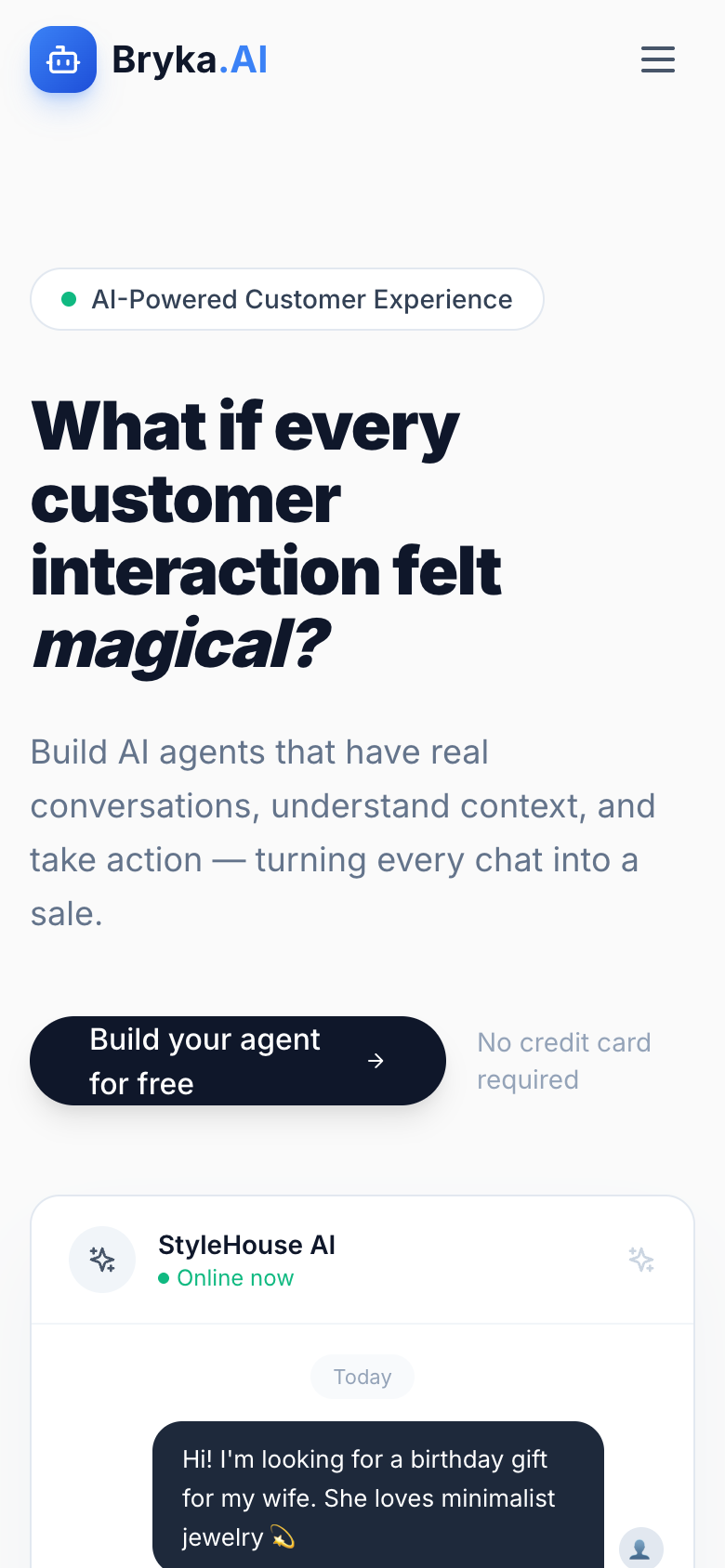
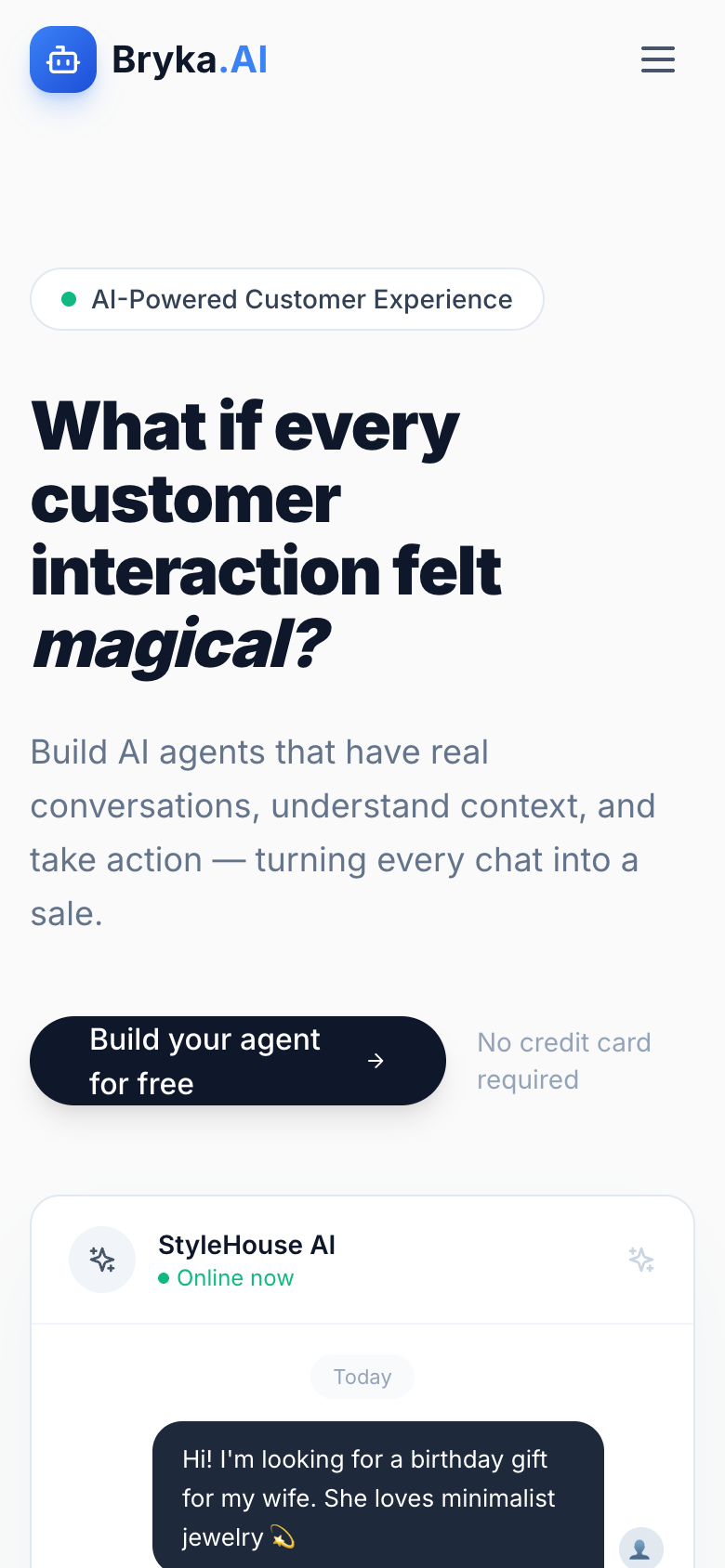
Product-landing SaaS with a bold italic headline and a chat-UI reveal.
An internal showcase of Bryka's own AI platform — a chatbot-driven co-worker built for agencies and operators who need intelligent automation without the overhead of building it themselves.
The Brief
Bryka AI is not a client project — it's ours. We built it because we kept running into the same problem: agencies and small operators spending hours on repetitive communication, intake, and coordination tasks that a well-trained AI co-worker could handle in seconds. The platform is a conversational AI layer designed to sit alongside a team, handling defined workflows — client intake, FAQ response, brief collection, follow-up sequences — without requiring the operator to touch a line of code or manage a model themselves.
The product is both a demonstration of Bryka's technical capability and a live tool we use internally on every project. Building the front-end for app.bryka.ai meant solving the same UX problems we'd solve for any SaaS client: how do you make a powerful, configurable platform feel immediately intuitive to a non-technical user? How do you show what the AI can do without asking someone to imagine it? The answer was a clean, focused interface that gets the user into their first conversation in under a minute.
Technology stack
- Custom AI platform (proprietary build)
- Conversational chatbot engine
- Operator configuration & admin dashboard
- Workflow automation layer
- Intake & brief collection flows
- API integrations for agency tooling
- Responsive SaaS UI / UX design
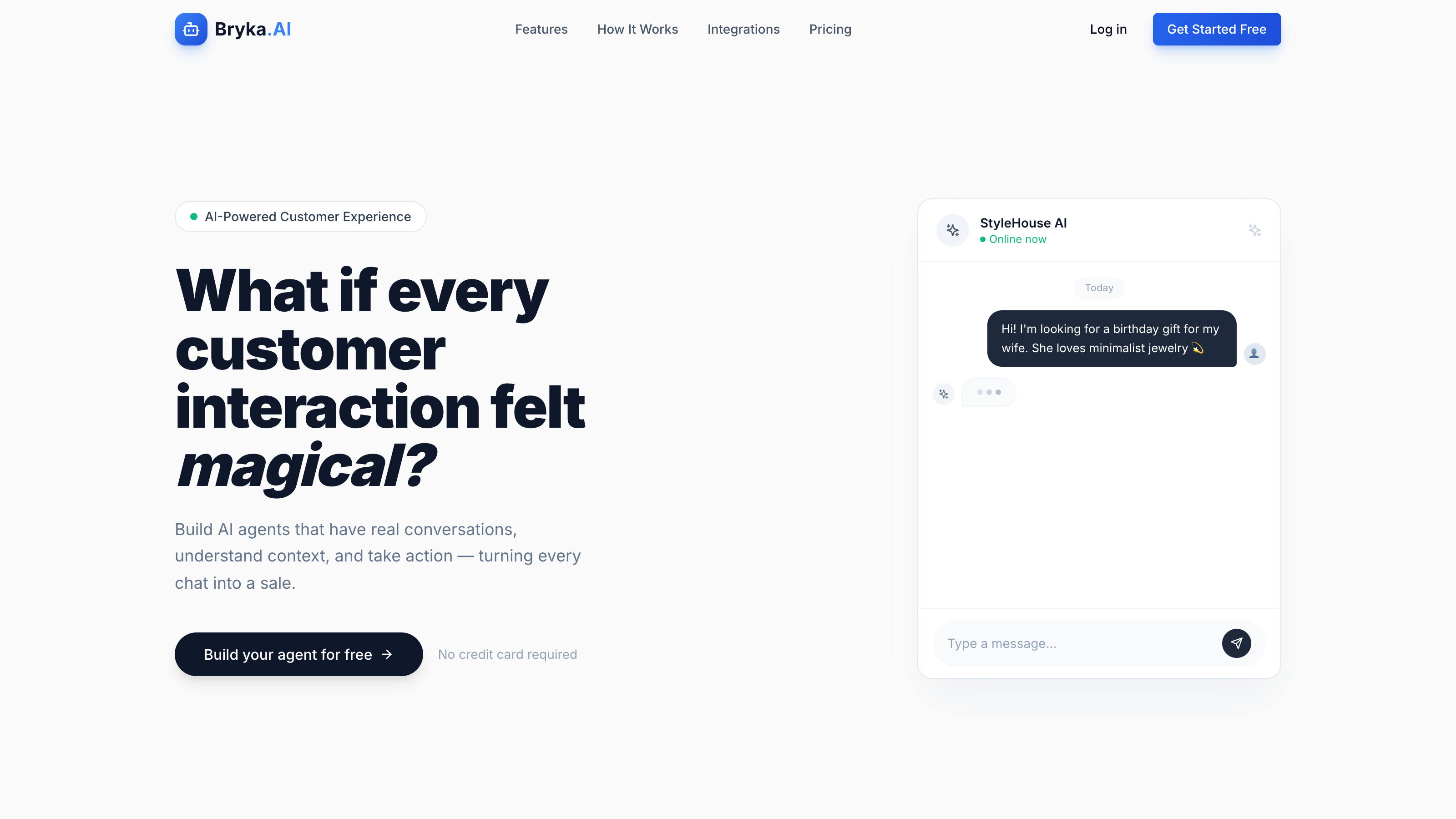
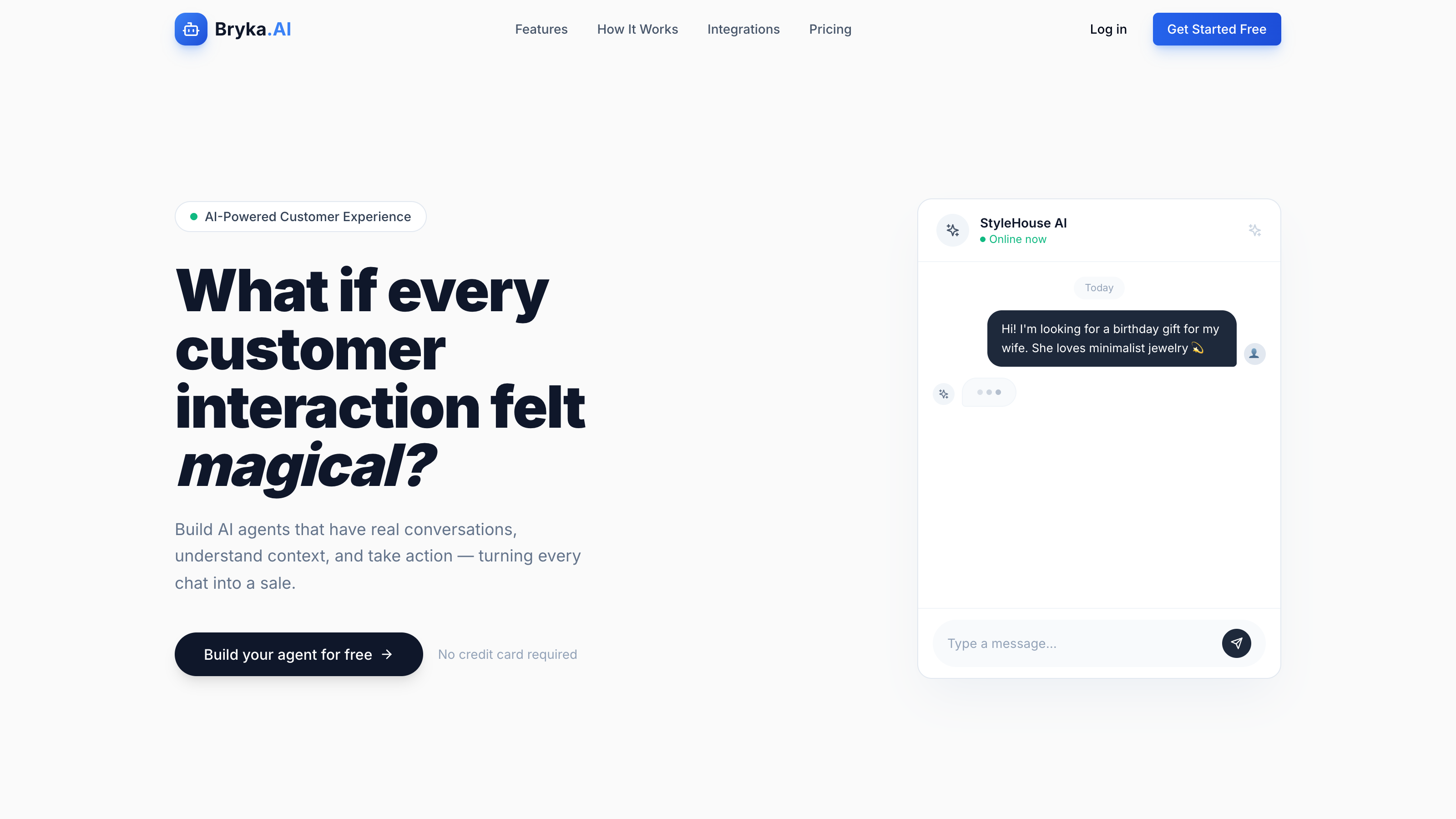
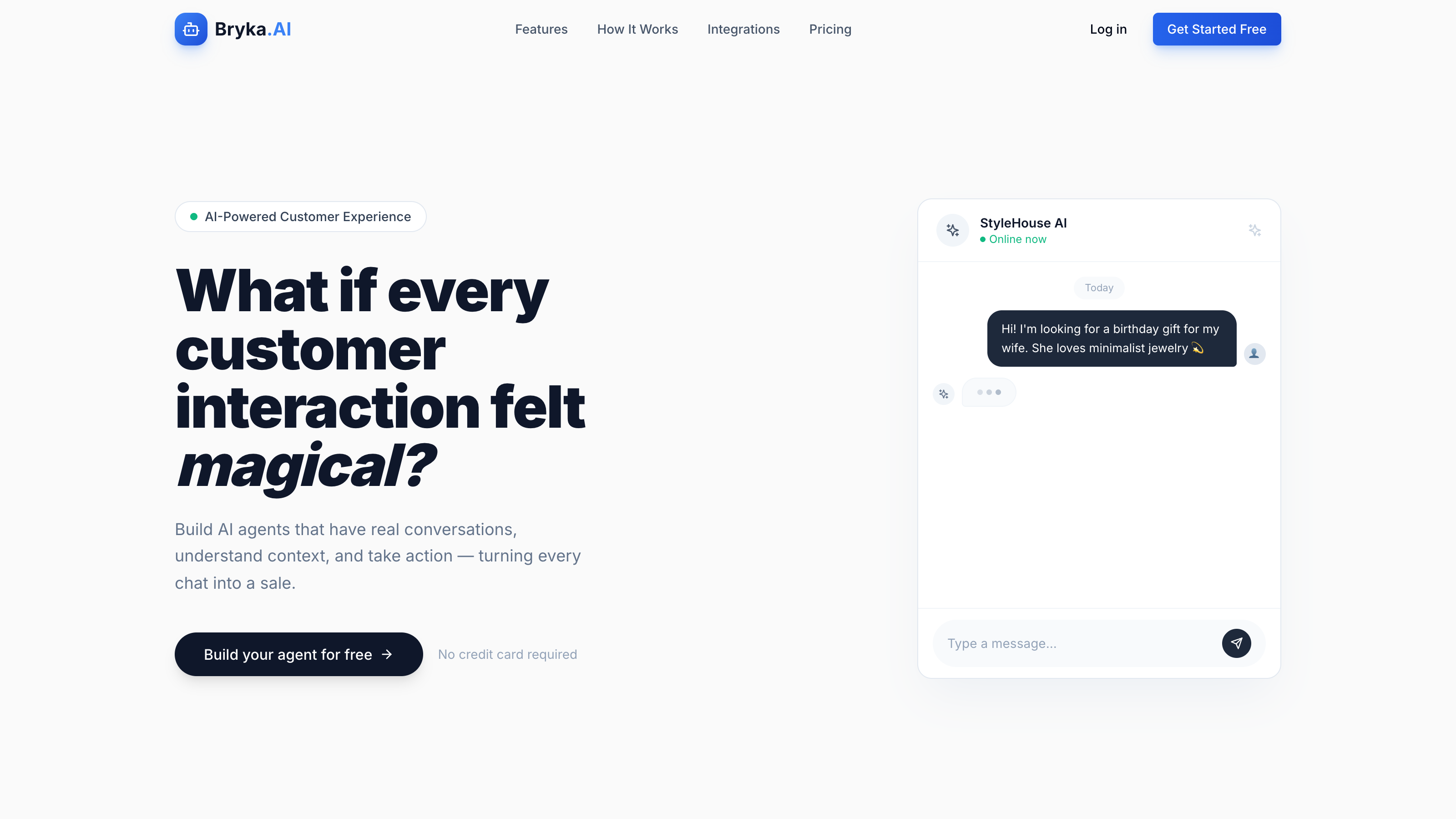
An Interface That Gets Out Of Its Own Way
The core tension in any AI product interface is between capability and approachability. Show too much and you frighten the non-technical user. Show too little and you undersell the platform's depth. We designed the Bryka AI interface around a single guiding principle: the first thing a new user should do is talk to the AI, not read a manual. Onboarding flows directly into a live conversation. Configuration happens in a separate layer that operators access only when they're ready. The interface is deliberately calm — no dashboards cluttered with metrics, no modals stacked on modals. Just the co-worker, ready to work.
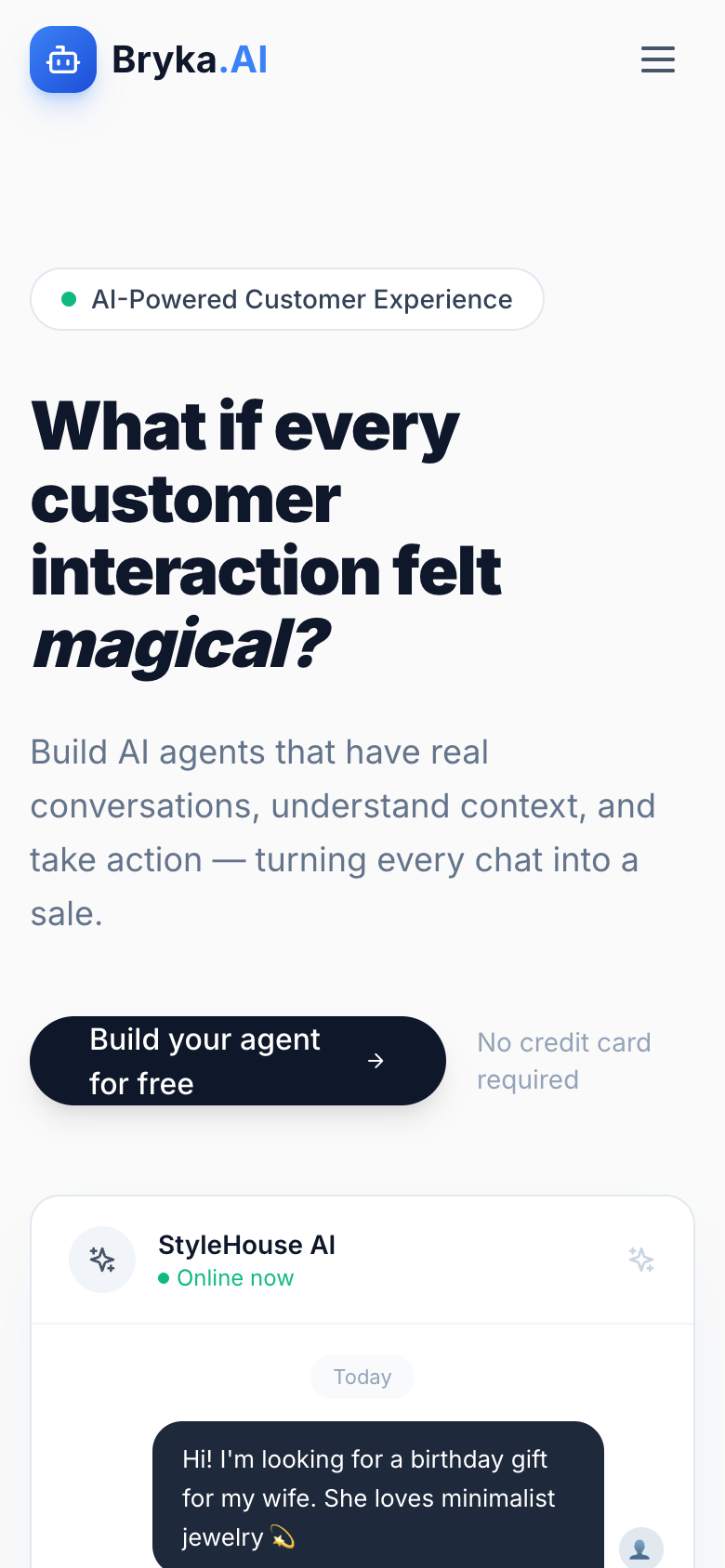

Configurable Workflows Without A Developer In The Room
The operators who get the most out of an AI co-worker are not engineers — they're account managers, studio directors, and small business owners who understand their workflow but have never written a prompt in their life. Bryka AI gives these users a configuration layer that feels more like filling out a creative brief than programming a bot. Define the persona, set the scope, load the context — and the AI knows what it's doing and what it's not. Operators can update their AI's behaviour between client calls without touching a codebase or opening a support ticket.
Built With The Same Stack We Recommend To Clients
We don't pitch AI solutions to clients that we haven't stress-tested ourselves. Bryka AI runs on the same architecture we propose when a client asks us to integrate intelligent automation into their product or operations. That means we know exactly where the edge cases are, what the real latency looks like under load, and how non-technical users actually behave when they hit a confusing state. Every lesson from building and running our own platform makes us better advisors when it's your product on the line — not a sandbox demo we built for a pitch deck.


Want AI built into your product or workflow?
We design and build AI-powered interfaces for agencies and operators — from conversational intake to full workflow automation. We've already done it for ourselves. Let's do it for you.